
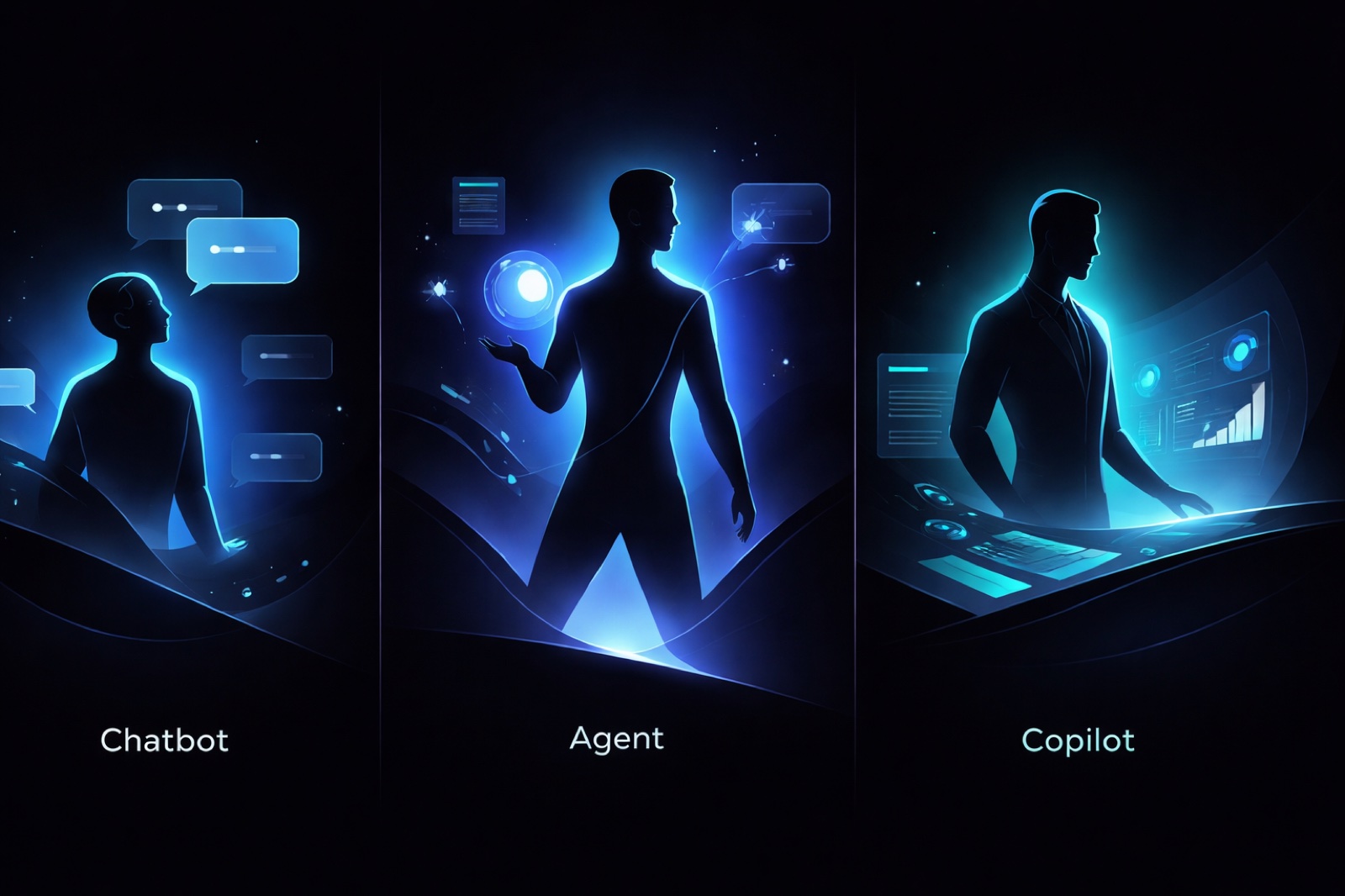
A chatbot centers on conversation, a copilot helps within a work activity, and an AI agent can choose steps toward a delegated goal. These patterns overlap. A chat interface can use tools, and a product called a copilot can include agents. The useful buying question is what the product can do for your task, with your accounts and approval settings.
For a single draft, conversation may be enough. For help inside the document or inbox you already use, an in-app copilot may fit. For recurring work that requires gathering information, choosing steps and producing an artifact, evaluate an agent—and the review work it leaves with you.
Download the one-page decision worksheet (PDF) or copy the editable Markdown version. The same questions appear below; no signup is required.
Ready to compare actual products? Use the AI assistants for work guide for task and cost comparisons, or OpenClaw alternatives for managed versus self-hosted choices.
The useful working definitions
Chatbot
A chatbot uses conversation as its primary interface: you ask, inspect the response and decide what to do next. It can be useful for drafting, explaining and working through a question. The name alone tells you nothing certain about its memory, connected tools or ability to act.
Copilot
A copilot assists within an activity such as writing, coding, email or analysis. Its value may come from working where your material already lives. Check which context it can actually see and whether its suggestions stay in a draft, change a document or trigger another action.
Agent
An agent accepts a goal and can select steps and tools as it works toward that goal. It may ask for clarification, pause for approval or stop at a limit. Scheduling, lasting memory and access to several systems are separate capabilities to verify; they do not automatically come with the label.
“AI assistant” is a broader description of the role. An assistant may offer one or several of these patterns. There is no universal progression in which every agent is a better choice than every chatbot.
The terminology varies even among vendors. Anthropic distinguishes predefined workflows from agents that select their own steps. Microsoft documents agents inside Copilot Chat, ranging from prompt-and-response experiences to more autonomous work. Those definitions illustrate the overlap; they are not a test result for a particular product or plan.
Compare behavior, not names
Use this matrix for each product you are considering. Record a demonstrated behavior or “not tested” in every row. A feature-page promise is a starting point for a test.
| Capability | Evidence to ask for |
|---|---|
| Input and output | Give it your sample notes or file. Open the resulting draft, document or task list and compare it with the source. |
| Tool access | Confirm which connected account and tool it used. Distinguish reading a thread from saving a draft or sending a message. |
| Ongoing state | Start a fresh conversation and check a saved project fact. Correct that fact and check again; useful recall is not perfect recall. |
| Triggers | Identify what starts the work: your message, a configured schedule or a supported event. Observe the intended trigger before relying on it. |
| Permissions | Inspect the actual access settings. In an isolated test, check that a disallowed action is blocked; a prompt saying “do not send” is not an access control. |
| Human review | Find where work pauses and who can approve it. Check whether approval covers the plan, each action or only the final deliverable. |
| Error recovery | Use a missing file or ambiguous instruction. Check whether it asks, stops or retries, and whether retries create duplicate work. |
| Evidence and stopping | Inspect the artifact and activity record. Test cancellation and identify any action already completed; stopping cannot undo every side effect. |
For example, an assistant that writes a convincing reply in chat has demonstrated drafting. That alone does not demonstrate that it read the correct inbox, saved the reply to the right thread or waited for approval before sending.
Three work requests, three ways to approach them
The following situations and outputs are illustrative examples, not results from a product comparison test. Each approach assumes the necessary capabilities are available and configured. Use the same source material and acceptance criteria when testing real products.
1. Turn meeting notes into an action list
Source: “Alex will send the revised brief by October 12, 2026. Someone needs to confirm the review meeting; no owner or date was agreed.”
Request: “List the actions, owners and due dates. Keep missing details unresolved.”
- Conversation approach: paste the notes, review the proposed list and transfer accepted actions yourself.
- In-app copilot approach: work alongside the notes in a document or meeting application. Verify that it used the intended meeting and inspect any proposed tasks before accepting them.
- Agent approach: allow access to the agreed source, request an action-list file and define whether creating tasks elsewhere is permitted. Inspect any proposed or created records separately from the written summary.
Acceptance check: the brief belongs to Alex and is due October 12. The review meeting has an unknown owner and date. Any filled-in person, meeting time or deadline needs a source or your explicit decision.
Start with our action-items template and documented meeting-notes test. Its observed corrections belong to that test; they do not establish the performance of all agents.
2. Prepare a client reply
Source: a client first proposes Tuesday, then corrects the request to Thursday. They refer to an attachment that is absent from the supplied thread.
Request: “Prepare a reply acknowledging Thursday and asking for the missing attachment. Leave it unsent.”
- Conversation approach: supply both messages and copy the reviewed reply into your email application.
- In-app copilot approach: ask for a draft beside the thread. Check that the later correction and missing attachment are reflected in the text.
- Agent approach: use the intended connected mailbox and a draft-only tool setting where available. Ask it to inspect the correction and save a draft for your review.
Acceptance check: the draft says Thursday, requests the attachment and does not claim to have read it. Inspect the recipient, thread and saved draft. Verify the sending boundary through the product’s controls and activity evidence; the wording of the request alone cannot prove it.
Our Gmail walkthrough shows actual draft artifacts and their review limits. The follow-up examples provide separate fictional drafts you can adapt.
3. Prepare a weekly project report
Source: a six-task ledger contains two completed tasks, two in progress, one blocked and one not started. One of the in-progress tasks is overdue. The blocked task has no agreed due date.
Request: “Prepare a report with completed outcomes, work in progress, blockers and decisions needed. Preserve unknown dates.”
- Conversation approach: supply a current ledger, inspect the draft and save the report yourself.
- In-app copilot approach: work within a supported spreadsheet or document application and check which rows or files were included.
- Agent approach: provide access to the agreed sources, request the report and ledger as reviewable files, and check that both use the same facts. Add a recurring schedule only after testing the source access and output.
Acceptance check: two tasks are complete, not three. Overdue is a timing flag on an unfinished task, not another completed outcome or a seventh task. The blocked task keeps its unknown date. A one-time report does not prove that next week’s scheduled report will run or use fresh sources.
The weekly report resource includes an observed Brainmox report, original files and review findings. It does not claim a demonstrated scheduled delivery.
When a simpler tool is enough
If you need one draft and can supply the relevant context, start with the conversation tool you already have. If the work stays inside one application, check its existing assistant before connecting another service. If the steps are fixed and predictable, a conventional automation may be easier to inspect than a system that chooses its own path.
Consider an agent when deciding the next step is part of the work and the recurring task justifies setup, permissions and review. Count the time you spend correcting output and maintaining connections. More autonomy can add useful capability, but it also creates more actions to control and verify.
Choose with one small test
Use one worksheet per candidate. The PDF worksheet is one page; the Markdown worksheet is editable. Both use these fields:
- Job and frequency: what recurring result do you need, and when?
- Candidate and setup: product, plan/version, test date and relevant settings.
- Sources and output: which sample inputs, accounts and final artifact define the test?
- Context and trigger: what must persist, and what starts the next run?
- Allowed actions: what may it read or change, and what must it never do?
- Approval and stop: who reviews which actions, and how will you cancel work?
- Acceptance checks: write three source-based facts the output must preserve.
- Failure check: introduce one missing fact or file; record what actually happens.
- Evidence and effort: save the artifact/activity references, corrections, setup time and review time. Mark anything untested.
- Decision: continue with a limited task, retest after a correction, or choose a simpler approach. Name the next test and reviewer.
Keep an unresolved permission or approval failure separate from the quality of the prose. A polished report does not compensate for acting outside the agreed scope. For a fuller repeatable assessment, use the interactive assistant evaluation scorecard and the 12-capability testing guide.
Where Brainmox fits
Brainmox is a managed cloud assistant with persistent searchable memory, supported connected tools, scheduled work and configurable Mission Control approvals. It also has a chat interface. Which pattern you use depends on the task and configuration.
The linked meeting, Gmail and report examples let you inspect specific work and its limitations. They are founder-run demonstrations with fictional inputs, not customer case studies, time-saving benchmarks or guarantees about other workflows. Gmail draft-only restrictions are enforced by the tool setting; they do not mean the underlying Google authorization is incapable of sending. Review recipients, source facts, permissions and output before relying on a workflow.
Check the product scope, current pricing and security information against your worksheet. Brainmox is in private beta; signup requires a single-use invitation code, which you can request by joining the waitlist. See how access works before deciding whether it fits your next test.